

 11
11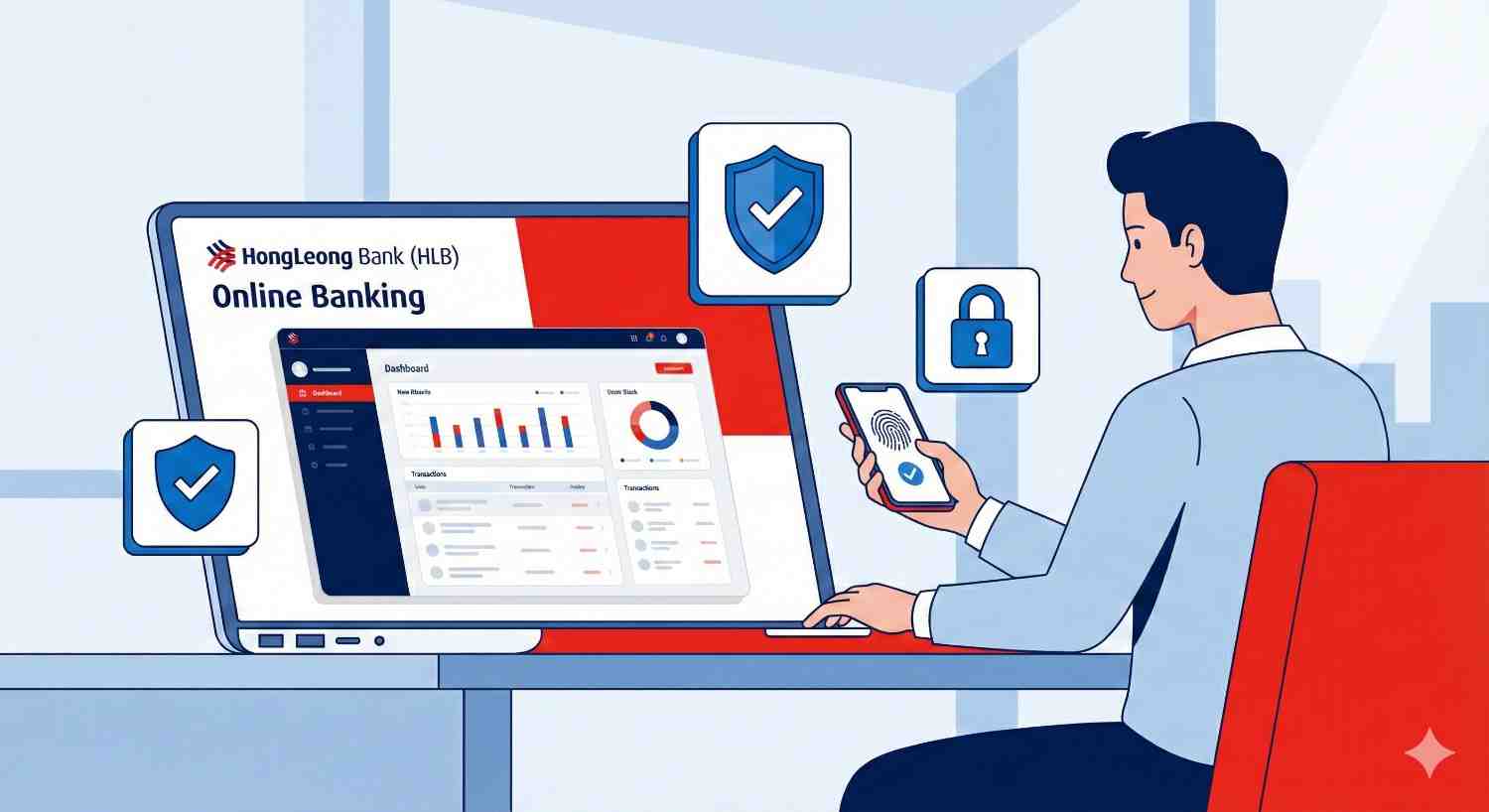
Managing your finances has never been easier, thanks to the power of online banking. Accessing your accounts, paying bills, and transferring funds can be done from anywhere, at any time. For Hong Leong Bank customers, their online platform, HLB Connect, offers a secure and user-friendly way to handle all your banking needs.
This guide will walk you through the entire process of your Hong Leong Bank login. We will cover everything from desktop and mobile access to essential security practices. By the end, you’ll be able to navigate the platform with confidence.
Why Use Hong Leong Online Banking?
HLB Connect transforms how you interact with your bank. Instead of visiting a branch for every transaction, you can perform most tasks right from your computer or smartphone. This convenience saves you time and gives you greater control over your money. You can check your balance before making a purchase, set up future payments, and monitor your account activity in real-time.
To access HLB Connect, you must first be a Hong Leong Bank or Hong Leong Islamic Bank customer with an active account. During your account registration, you will have set up your online banking profile.
Here’s a quick checklist of what you’ll need for a successful Hong Leong Bank login:
A valid Username and Password for HLB Connect.
A smartphone with the HLB Connect App installed for mobile banking and authentication.
A secure and stable internet connection.
If you haven’t registered for online banking yet, you can do so by visiting the official Hong Leong Bank website and selecting the registration option.
Logging into your account from a desktop or laptop computer is straightforward. Follow these steps to access your financial dashboard.
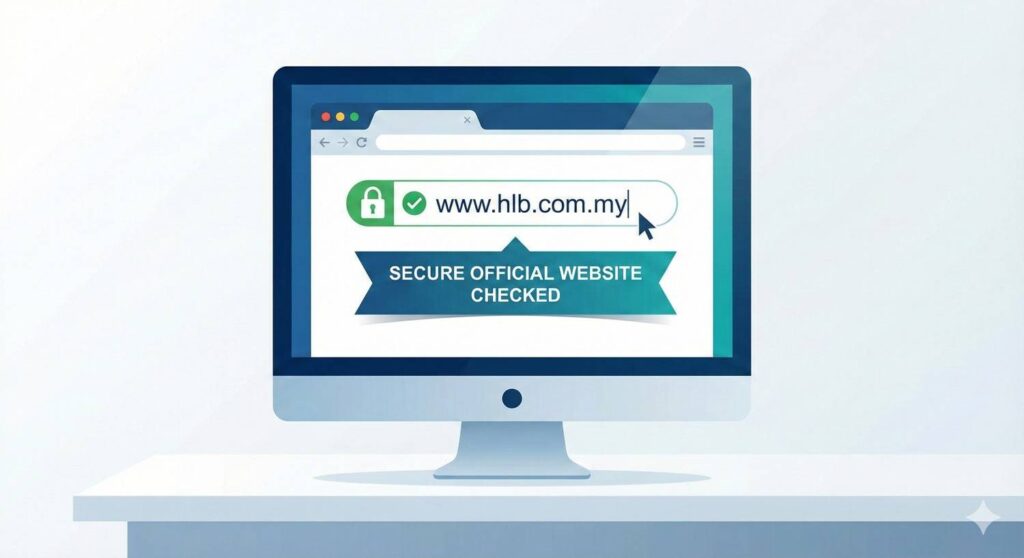
Open your preferred web browser (like Chrome, Firefox, or Safari) and go to the official Hong Leong Bank website. Always double-check that the URL is correct to avoid phishing sites. The official address is www.hlb.com.my.
On the homepage, look for the “Login” button, which is typically located in the top-right corner. A dropdown menu will appear. Select “HLB Connect Online Banking” from the options.
You will be redirected to the HLB Connect login page. In the field provided, carefully type in your username. After entering it, click the “Next” button.
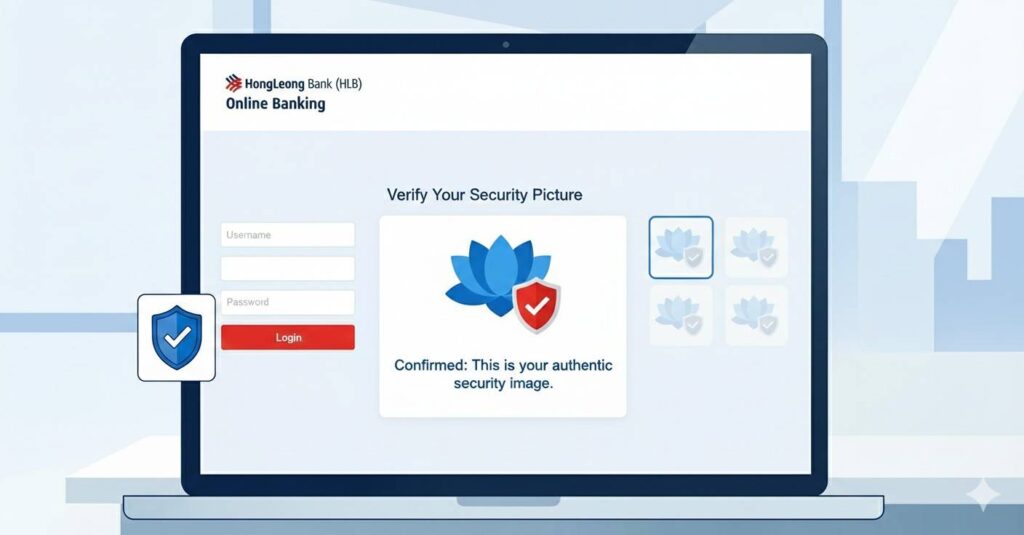
After you enter your username, the system will display a security picture that you selected during registration. This is an important security feature to confirm you are on the legitimate Hong Leong Bank website. If the picture is correct, proceed to the next step. If it is not the picture you chose, do not proceed and contact the bank immediately.
Once you have verified your security picture, the password field will appear. Enter your password carefully. Remember that passwords are case-sensitive. Click the “Login” button to access your account dashboard.
The HLB Connect App offers banking on the go. It is available for both iOS and Android devices.
If you haven’t already, download the “HLB Connect App” from the Apple App Store or Google Play Store. Ensure you are downloading the official app developed by Hong Leong Bank.
Tap on the HLB Connect App icon on your phone to open it. The login screen will appear.
Enter the same username and password that you use for the desktop version of HLB Connect.
For added security, the app may ask you to authenticate your login using biometrics (fingerprint or Face ID) if you have enabled it. Alternatively, you may need to use AppAuthorise to approve the login attempt from your registered device. This multi-factor authentication ensures that only you can access your account.
Protecting your financial information is crucial. Adhering to secure login practices can significantly reduce the risk of unauthorized access to your accounts.
HLB Connect uses AppAuthorise as its secure method for authenticating transactions and logins. Make sure this feature is activated on your primary mobile device. It replaces SMS TACs and provides a more secure way to approve your banking activities with a single tap.
Create a password that is difficult to guess. A strong password includes a mix of uppercase and lowercase letters, numbers, and symbols. Avoid using personal information like your birthdate or name. It is also good practice to change your password regularly.
When accessing your bank account, avoid using public Wi-Fi networks like those found in cafes, airports, or hotels. These networks are often unsecured, making it easier for cybercriminals to intercept your data. Use a secure, private network or your mobile data instead.
Always remember to log out of your HLB Connect account when you are finished banking. Simply closing the browser tab or app does not always end your session, leaving your account potentially exposed, especially on a shared computer.
Regularly check your transaction history for any suspicious activity. If you notice a transaction you did not authorize, report it to Hong Leong Bank immediately. The sooner you report it, the faster the bank can take action to protect your account.
Once you have successfully completed your Hong Leong Bank login, take some time to explore the platform. You can pay bills using JomPAY, transfer funds to other accounts, view your e-statements, and even apply for new products. The platform is designed to be your all-in-one financial hub, making banking simple and efficient.
By following this guide, you can confidently and securely access your Hong Leong Bank account online. Embrace the convenience of digital banking and take full control of your finances today.
Furthermore read our other articles on our site trezx.com for latest articles also visit.